iPhone Tethering!
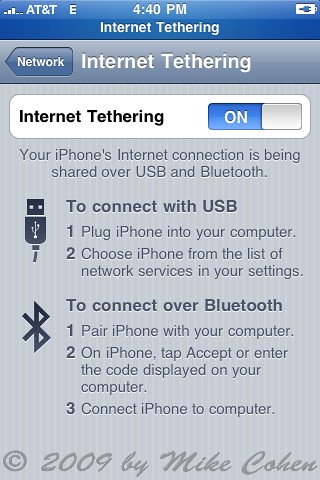
Image by mike3k
Download this carrier settings file, quit iTunes and enter the following in terminal:
defaults write com.apple.iTunes carrier-testing -bool TRUE
Reopen iTunes, connect your iPhone, option-click the Restore button and choose the .ipcc file in that disk image. Have fun!


Leave a Reply